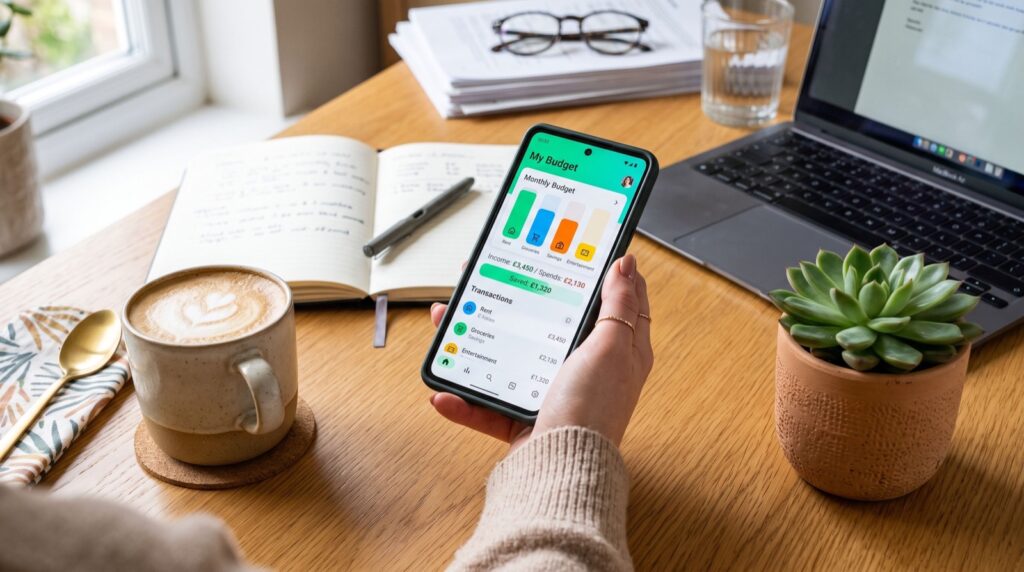
Best Money Apps in 2026: A Practical Guide to Managing Your Cash Smarter
Managing money used to mean a checkbook, a calculator, and a lot of guesswork. In 2026, the best money apps have replaced all three with a single screen that tracks spending, automates savings, and warns you before you overdraft. If you are tired of wondering where your paycheck went by the 20th of the month, the right app can finally give you a clear answer.
This guide walks through what actually matters when choosing a money app, how to avoid the common traps that drain small accounts, and why pairing a budgeting tool with a reliable transfer app is the real winning combination for 2026.
Why Your Banking App Alone Is Not Enough
Most traditional bank apps show you a balance and a list of transactions. That is useful, but it is not the same as understanding your money. A balance does not tell you that your rent, car payment, and subscriptions are about to hit on the same day. A transaction list does not warn you that you are trending toward a $35 overdraft fee.
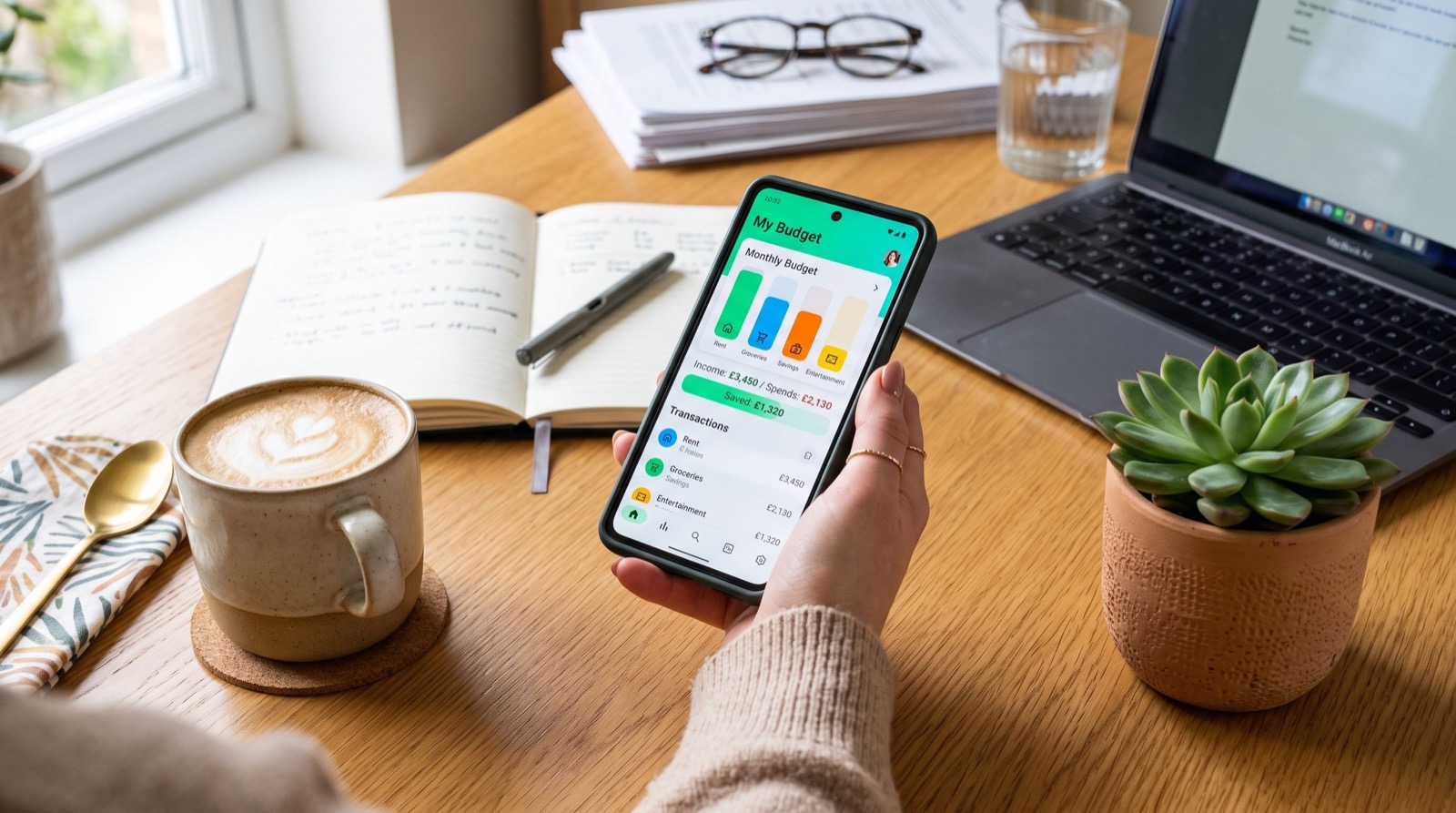
Dedicated money management apps solve this gap. They categorize spending automatically, forecast your cash flow days or weeks ahead, and nudge you before a problem becomes a crisis. That forward-looking view is the single biggest reason people switch away from relying on their bank’s native app alone.
What Makes a Money App Worth Using in 2026
Not every app deserves a spot on your home screen. Before downloading anything, check it against these criteria.
- Bank-level security. Look for 256-bit encryption, biometric login, and read-only account connections wherever possible.
- Real automation. The app should move money, round up purchases, or flag bills without you lifting a finger every day.
- Transparent fees. Instant transfer fees, subscription tiers, and ATM charges should be visible before you sign up, not buried in page 12 of the terms.
- Fast peer-to-peer transfers. Whether you are splitting rent or paying back a friend, transfers should land in minutes, not days.
- Clear spending breakdowns. Categorized graphs beat a raw list of debits every time.
A good shortlist of best money apps will tick most of these boxes. Spend ten minutes comparing fee structures before you commit your direct deposit to any single platform.
Peer-to-Peer Transfers: The Feature Everyone Actually Uses
Budgeting dashboards are nice, but the feature people open their phone for every single day is peer-to-peer payments. Splitting a dinner bill, paying a roommate, or sending a parent some emergency cash should take seconds, not a trip to the bank.
This is where many users get tripped up. Standard transfers on some platforms are free but take one to three business days. Instant transfers are fast but often carry a 1.5% to 1.75% fee. If you move money frequently, those fees add up over a year. A well-written Cash App guide will break down exactly when the instant fee is worth paying and when the free standard transfer makes more sense.
How Much Should You Automate?
Automation is the quiet hero of personal finance in 2026. The apps that work best are the ones that act without requiring daily willpower from you. Consider automating these three things first.
- A fixed percentage of every paycheck into a separate savings bucket, moved the same day the deposit lands.
- Bill payments for anything with a predictable due date, so you never pay a late fee again.
- Round-up savings on everyday purchases, which quietly builds an emergency fund without feeling like a sacrifice.
According to the Consumer Financial Protection Bureau, automatic savings transfers are one of the most effective behavioral tools for building an emergency fund, because they remove the decision-making step entirely (consumerfinance.gov, 2026).
Comparing Popular Money App Categories
Here is a quick side-by-side look at the three main categories of money apps people use in 2026.
| App Type | Best For | Typical Fee | Transfer Speed |
|---|---|---|---|
| Peer-to-peer payment apps | Splitting bills, quick transfers | 0% standard, ~1.5% instant | Minutes to 3 days |
| Budgeting and tracking apps | Seeing where money goes | Free to $12/month | N/A |
| Automated savings apps | Building an emergency fund | Free to $4/month | 1-2 days |
Which Money App Should You Actually Choose?
The honest answer is that most people need at least two apps working together: one for everyday transfers and splitting costs, and one for tracking the bigger picture of income versus spending. Trying to force a single app to do everything usually leads to a clunky experience and missed insights.
Start by listing your three most common money tasks this month. If most of them involve sending or receiving cash from other people, prioritize a fast, low-fee transfer app. If your biggest problem is simply not knowing where your paycheck disappears to, prioritize a budgeting app with strong automatic categorization.
A Quick Real-World Example
Consider a renter splitting a three-bedroom apartment with two roommates. Each month, that renter collects two shares of rent through a peer-to-peer app, automatically routes 10% of their own paycheck into a separate savings account, and reviews a weekly spending summary every Sunday night. None of this requires a spreadsheet. It requires three automations set up once, then left alone.
That is the real promise of the best money apps in 2026: less manual tracking, fewer surprises, and more confidence heading into each new month.
Frequently Asked Questions
What is the safest type of money app to use in 2026?
Choose apps that are backed by FDIC-insured partner banks, use biometric or two-factor login, and never ask you to share your banking password directly. Read the app’s security page before linking any account.
Do money apps charge hidden fees?
Most reputable apps disclose fees clearly, but instant transfers, out-of-network ATM withdrawals, and premium subscription tiers are the usual places extra costs hide. Always check the fee schedule before relying on a feature daily.
Can I use more than one money app at the same time?
Yes, and many people do. A common setup pairs a peer-to-peer transfer app for daily spending with a separate budgeting app for long-term tracking and savings goals.
How do I know if an app is worth paying a monthly fee for?
If the automation, insights, or transfer speed it provides save you more time or money than the subscription costs, it is worth it. If you are paying for features you never open, it is time to downgrade or switch.
Final Thoughts
Choosing among the best money apps in 2026 does not need to be complicated. Focus on security, transparent fees, and real automation, and let the app do the heavy lifting while you focus on your actual goals. Whether you are splitting rent with roommates or quietly building a six-month emergency fund, the right combination of tools makes the process almost automatic.
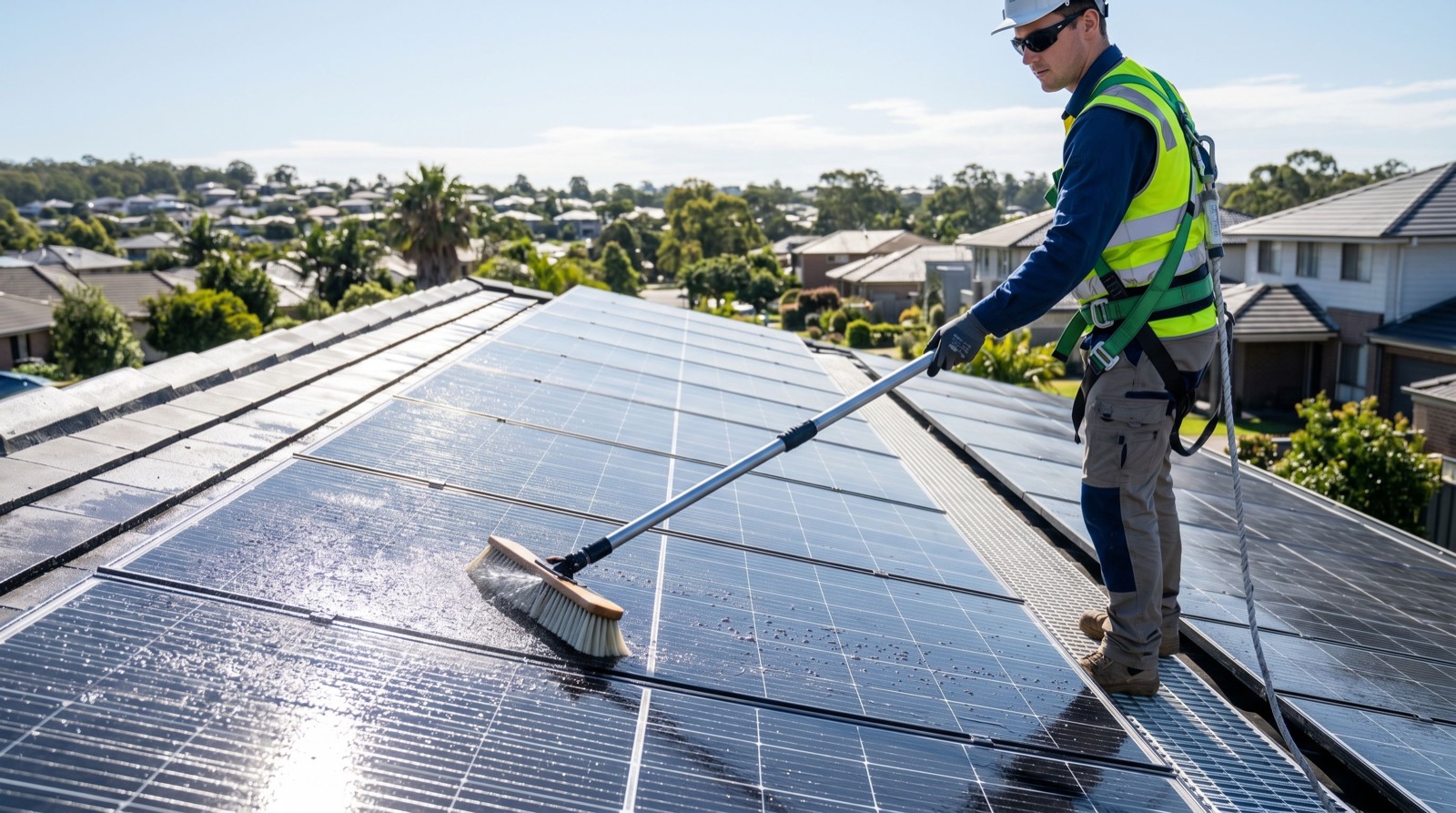
If you are planning a bigger home investment this year, such as a rooftop solar installation, pairing strong financial habits with an experienced local team ensures both your budget and your project stay on track from day one.